Have you ever experienced a bad situation, like face pixelating or cutting out your voice during a crucial job interview? This modern nightmare raised from a technical glitch has not a good impact on your client. The solution lies in a meticulous virtual interview setup and mastering the Technical and Professional Perfection. This guide will take you from zero to a perfectly executed online interview, ensuring you are judged solely on your merit and your ability to connect through the screen.
What Is a Virtual Interview and Why Does Setup Matter
A virtual interview is a remote meeting conducted via platforms like Zoom, Skype, or Google Meet. As the online interview is now a common way for communicating with clients, a professional setup and confident presence are no longer a bonus.
In this format, you are not just a candidate; you are your own director, cinematographer, and sound engineer. That’s why all job seekers have to get familiar with the basic Virtual Interview Setup to prevent any technical problems during the meeting.
“Opportunity does not waste time with those who are unprepared.”
Idowu Koyenikan.
A poor setup distracts from your message and can be misconstrued as a lack of professionalism or preparation.
Conducting an online interview without any technical issues demonstrates your respect for the interviewer and the preparation time you invested in the meeting, which shows that you take the opportunity seriously and aim to make an excellent first impression.
How Virtual Interviews Are Different from In-Person Interviews
The core difference between virtual and in-person interviews is how you are perceived by the interviewer. In an online interview, their focus is intensely narrowed to just your face, your voice, and the Virtual interview background behind you.
This means the full, nuanced spectrum of body language—so crucial in a face-to-face meeting—is often diminished. As a result, you become entirely dependent on technology, and your virtual interview setup is now as important as your qualifications and experience.
Technical Virtual interview tips
To ensure the conversation flows without interruption, you need to check the following technical setup:
How to set up a computer for a virtual interview
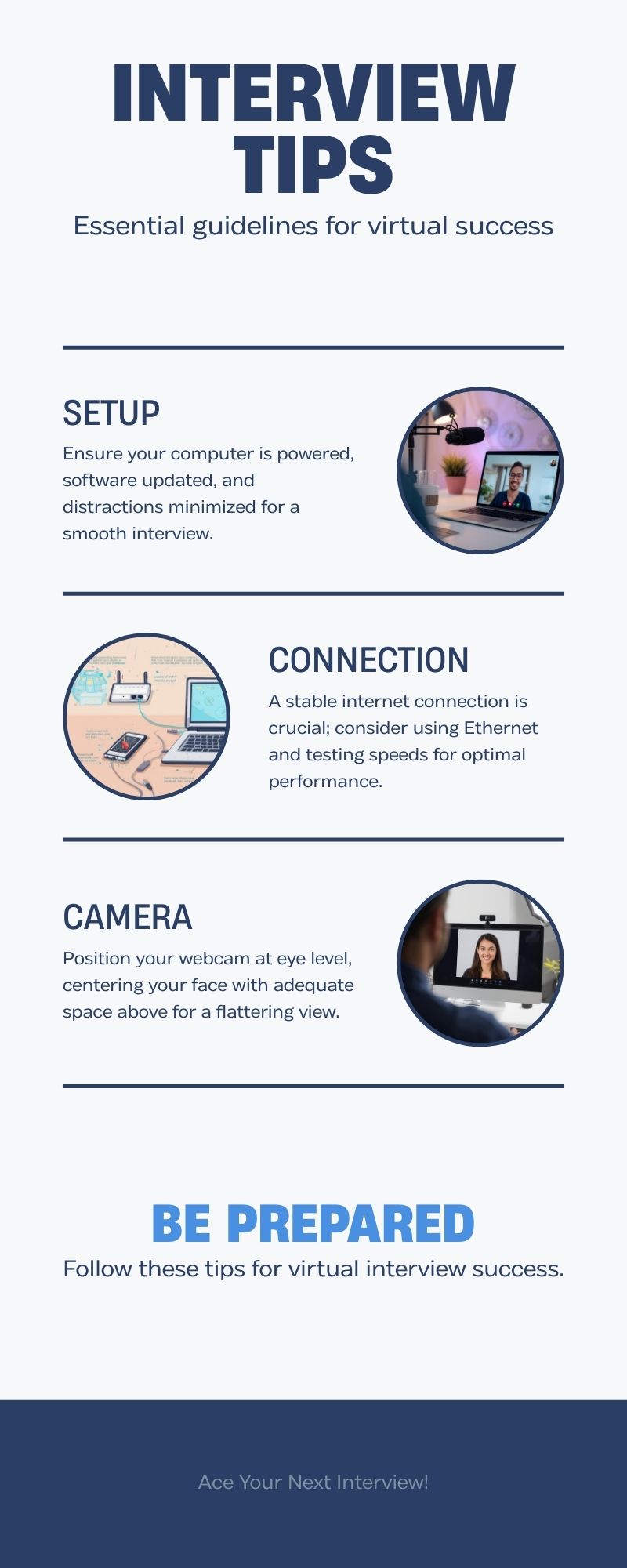
- Check the connection: Make sure your laptop/computer is connected to the electricity
- Update the software: Install the latest version of virtual interview software like Zoom
- Eliminate distractions: Deactivate all notifications and use the microphone to improve the voice quality
Internet Connection – The Silent Deal Breaker
Your internet is the lifeline of the interview. An unstable connection causes frozen frames, audio lag, and frustration.
“The strength of the team is each member. The strength of each member is the team.”
Phil Jackson
According to Phil Jackson, your team here is your laptop and your internet. It is important to use a wired Ethernet connection whenever possible.
If you have no choice but to use Wi-Fi, ensure you’re close to the router.
Some minutes before starting the interview, conduct a speed test (aim for >25 Mbps download/upload) and have a mobile hotspot ready as a backup.
Camera Setup – How You Appear on Screen
Your camera setup should create the illusion of a direct, engaged conversation.
To achieve this, you need to:
- Position your webcam at eye level, and place your laptop on a stack of books. It makes a natural, flattering angle where you look directly at the interviewer, not down or up.
- Center your face in the frame, leaving a small, comfortable amount of space above your head.
Lighting and Background – Look Professional Without a Studio
Pay attention to the light source. Usually, a window is ideal, but a simple lamp in front of you works as well. Avoid backlighting, which turns you into a silhouette.
Remember Leonardo da Vinci’s principle:
“Simplicity is the ultimate sophistication.”
Your Virtual interview background should be tidy, neutral, and free of distractions like
- A plain wall,
- A neat bookshelf,
- Or a virtual background (if professional and stable)
Laptop and Device Setup Checklist
- Charge & Power: Ensure your device is plugged in.
- Notifications: Silence all phone and computer notifications.
- Applications: Close all unnecessary apps and browser tabs.
- Software: Update your video conferencing app the day before.
- Sound: Test your microphone and use headphones with a built-in mic to reduce echo.
Virtual Interview Preparation Tips
With your Virtual Interview Setup technically ready, shift focus to your personal Interview Preparation readiness.
Practicing Your Answers Without Sounding Scripted
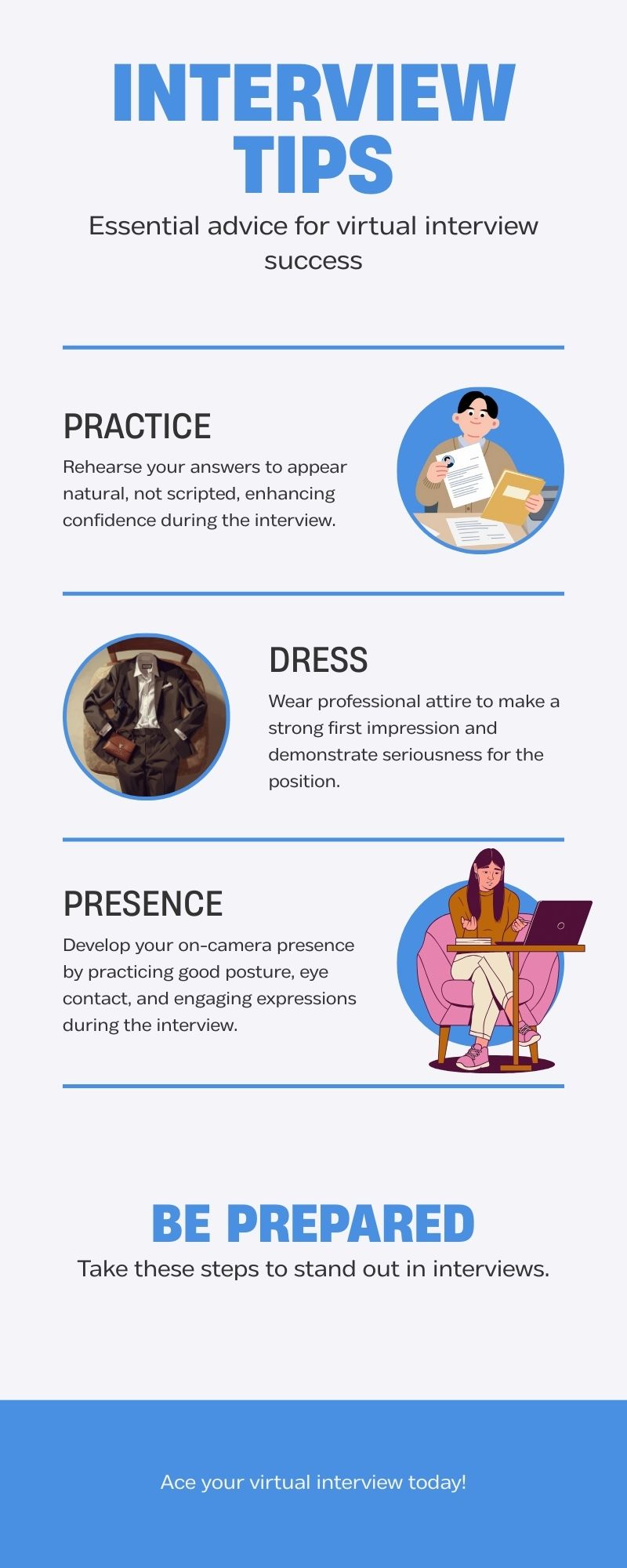
The first rule for conducting a successful Virtual screening interview is not memorizing answers word-for-word. Instead, you have to prepare bullet points for common questions like:
- Tell me about yourself,
- Describe your strengths and weaknesses,
- Why this role?
- Practice speaking to these points naturally.
Get dressed professionally
It is not a good idea to just look good on camera and forget to dress professionally. What you wear, even if it is not visible to the camera, affects your posture and mindset.
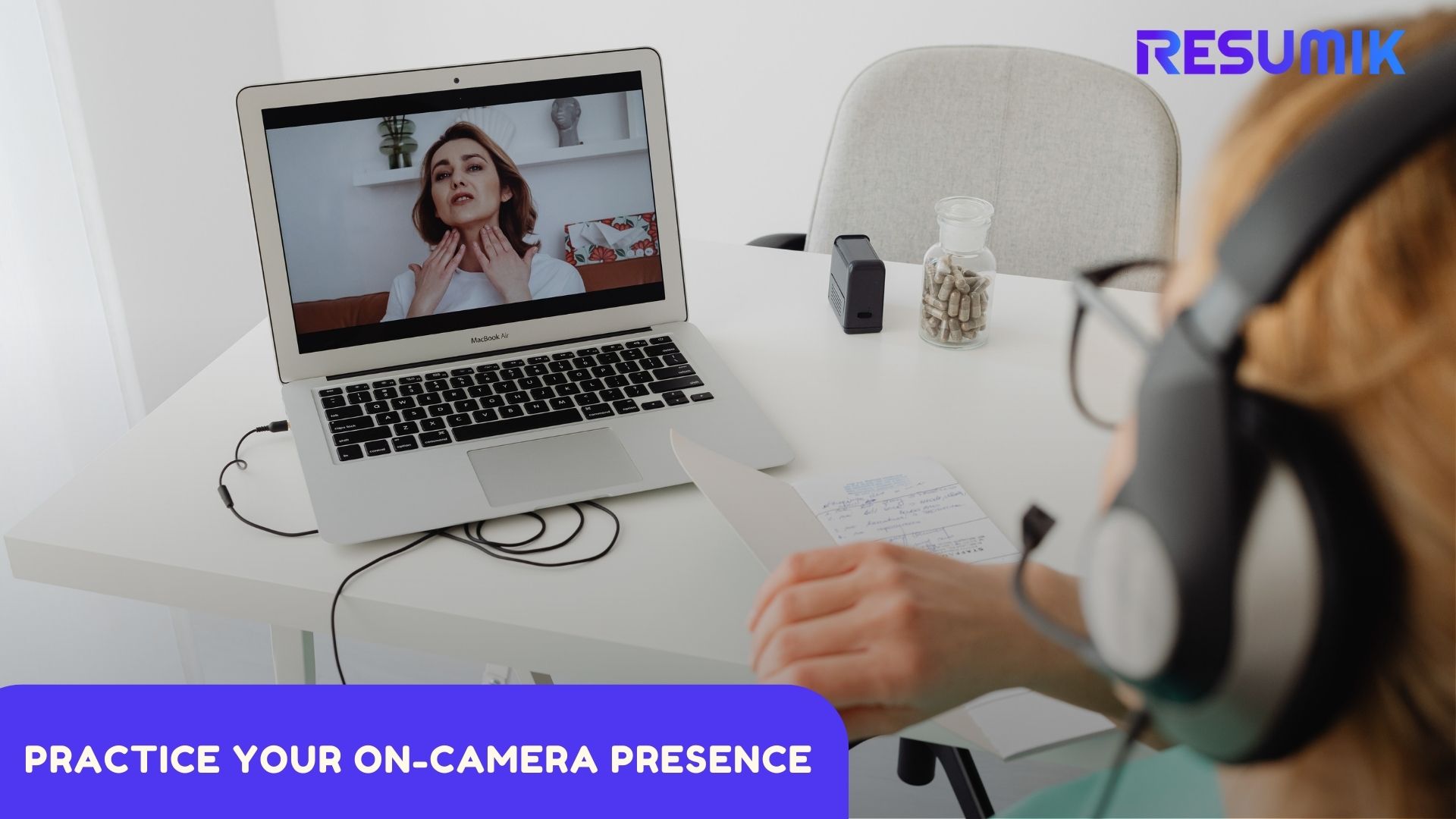
Practice your on-camera presence
Look directly into the camera lens when speaking to simulate eye contact. Sit up straight, smile, and use measured hand gestures.
You need to adapt the classic 3 Cs for the virtual stage.
What are the 3 C’s of interviewing?
- Confidence: Projected through stable eye contact (with the lens), a clear voice, and good posture.
- Clarity: Articulate concise, structured answers. The microphone picks up everything, so enunciate.
- Consistency: Ensure your message, tone, and demeanor align with your resume and the company’s values throughout the call.
Virtual interview tips for showtime
When the Virtual Interview Setup is perfect, and you have been prepared professionally, it is time to seize the opportunity by presenting yourself in the showtime.
The Critical Role of Body Language in a Virtual Interview
Based on research, body language accounts for between 50% and 70% of all communication.
In a virtual interview, your body language is confined to a small window, making every gesture and expression more pronounced.
Virtual interview practice with a friend, recording and reviewing the sessions, can help you master the right body language for a virtual screening interview.
Your goal is to project confidence, openness, and authenticity.
Your body language shapes who you are, and in an interview, it shapes how you are perceived.
Key areas to master include:
- Eye Contact: Look at the camera lens, not the screen.
- Posture: Sit up straight with your shoulders back.
- Facial Expressions: A genuine, warm smile is one of your most powerful tools.
- Gestures: Use natural, open hand gestures to emphasize points, but avoid fidgeting, touching your face, or any movement that suggests nervousness.
How to Answer Virtual Interview Questions Effectively
The best way to answer Virtual Interview Questions is the STAR method:
- Situation,
- Task,
- Action,
- Result
Try to give compelling, example-based answers and pause between your sentences to allow the interviewer to interject.
As Ralph Waldo Emerson observed,
"When the eyes say one thing, and the tongue another, a practiced man relies on the language of the first."
Ensure your nonverbal cues reinforce your words.
What to do if Your Virtual Interview Setup Fails?
Technical glitches during a virtual interview can feel overwhelming, but remember, the way you handle the problem can impact your client. The key is to keep calm and communicate professionally. Take this opportunity to showcase your problem-solving skills.
First, inform the interviewer politely, and ask them for a brief moment to resolve the issue.
They try to find a solution for proceeding with a virtual screening interview, such as:
- Restart the app, toggle your camera/mic off and on, or switch from Wi-Fi to your mobile hotspot.
- If the video remains unstable, ask the client to continue the conversation via phone call temporarily till the problem is solved.
- If the main device fails, use your prepared backup (phone/tablet)
Virtual Interview Setup & Performance Checklist
|
Category |
What to Check |
|
Technical |
Stable internet (wired preferred), backup hotspot, camera at eye level, front lighting, clean background, headphones with mic, notifications off |
|
Nonverbal Performance |
Eye contact with the camera lens, upright and open posture, genuine smiling, natural gestures, minimized fidgeting, and vocal energy |
|
Professional |
Professional attire, researched the company, practiced STAR answers, questions for the interviewer, quiet environment |
Key Takeaways
A virtual interview without technical issues hinges on a two-part foundation: meticulous Technical Preparation and conscious Professional Performance.
First, you must prepare a stable, distraction-free environment by:
- Securing your internet connection,
- Optimizing your camera and lighting,
- And eliminating all potential device interruptions.
This Virtual Interview Setup demonstrates respect for the interviewer and enables you to show all of your qualifications professionally.
Second, remember that on screen, you are the actor and the producer. You have to make eye contact through the camera lens, use purposeful body language, and deliver clear, structured responses.
When you combine a seamless Virtual screening interview Setup with a confident, engaged presence, the virtual medium can act as a powerful tool allowing you to be judged solely on your merit and your ability to connect through the screen.
FAQs
How to set up a virtual interview?
To conduct a virtual screening interview, first connect your computer to the Internet via Wi-Fi or cable, sit at a quiet place with no distractions and perfect light, run the interview app, and choose a professional background.
How to setup camera for a virtual interview?
Adjust the camera at eye level and make sure your face is at the center of the screen.
How to set up a laptop for a virtual interview?
Connect the laptop to the electrical source, close unnecessary apps and deactivate the notifications. Update the interview software.
How to set up a Zoom interview?
Install and update the Zoom software, test the camera and Microphone, choose a suitable virtual interview background, and make sure you have the link to join the interview.
What to expect in a 30-minute virtual interview?
A 30-minute virtual interview usually includes a brief introduction, 3 or 4 technical questions, and some minutes to you to ask your questions.